MiniMax H3 Image AI Image Generator and Design Editor
MiniMax H3 Image brings native high-resolution generation, realistic detail, and strong instruction following to an open-weight image model. Developed by MiniMax, it generates from text, combines up to 16 references, and edits existing artwork for design, illustration, and visual concepts.
MiniMax H3 Image Examples
Explore reference blending, detailed graphics, character design, and surreal artwork.
Combine Up to 16 References
Blend people, animals, and objects into new scenes using up to 16 reference images.
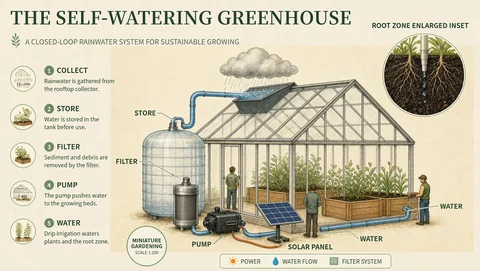
Follow Detailed Instructions
Create structured diagrams and information boards with clear layouts and labels.

Design Detailed Characters
Build distinctive characters with expressive faces, intricate clothing, and rich textures.
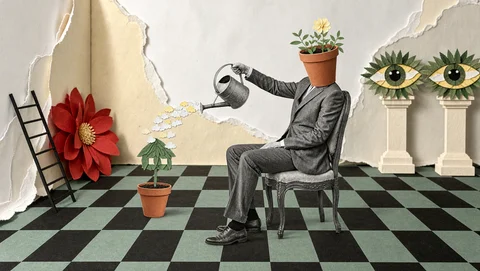
Explore Surreal Ideas
Reimagine everyday objects through playful compositions, unexpected scale, and mixed textures.
How MiniMax H3 Image Translates Creative Intent into Images
Text and visual inputs guide the model’s generation and editing capabilities, from a written concept to a reference-led composition.
Generate and edit with one model
Turn a design brief into an initial image, then use that draft to request a new arrangement or an altered visual detail.
Combine distinct reference roles
Up to 16 images can contribute to the result. Identify which reference defines the subject, which supplies the palette, and which shows the layout.
Follow detailed visual instructions
Describe hierarchy, placement, and atmosphere in the prompt. The model can use these directions alongside a sketch or mood reference.
Create at native high resolution
H3 Image generates approximately 16 megapixels directly, including 4096 × 4096 square images. Fine textures and small forms can be reviewed in a larger composition.
Why Use MiniMax H3 Image for Visual Design?
The model combines image quality with control through text and references, helping a design idea move through concept development and revision.
Realism with nuanced textures
Rich surface detail supports paper, cloth, glass, and other materials that influence the mood of a design.
More explicit creative direction
Pair a written instruction with a visual example to communicate both the intended change and the appearance it should follow.
Connected generation and refinement
A chosen concept remains a usable input for edits, so reviewer feedback can become a change to the artwork already under discussion.
Efficient high-resolution exploration
MiniMax reports 4K generation in under 10 seconds. Open Creati’s generation time depends on the request and current service conditions.
Design Applications of MiniMax H3 Image
Use MiniMax H3 Image to generate photographic scenes, illustrations, character concepts, and reference-guided edits. The examples below show ways to apply these capabilities.
Editorial artwork
Generate an opening image with a focal subject and room for a publication headline.
Event identity concepts
Explore different compositions for a book fair while reusing its central lamp-and-books motif.
Characters and illustration
Generate a character or illustrated scene from a written brief, then use a selected image as a reference for a new pose or setting on Open Creati.
Environment and scene concepts
Combine location references with written direction to explore a room, street, or imagined landscape. Describe the viewpoint and the relationships between objects.
How to Use MiniMax H3 Image on Open Creati
On Open Creati, the default output setting is 1K, with 2K and 4K also available. Choose an aspect ratio for your composition, enter a prompt or provide reference images, and generate the image.
Define the subject, palette, and composition
Add visual references and explain what each contributes
Generate the concept and request a specific revision
MiniMax H3 Image Generation and Editing Questions
Explore More AI Image Tools for Open Creators
Try a dedicated photo editor, image generator, or background remover for the next step in your project.
Compare More AI Image and Video Models
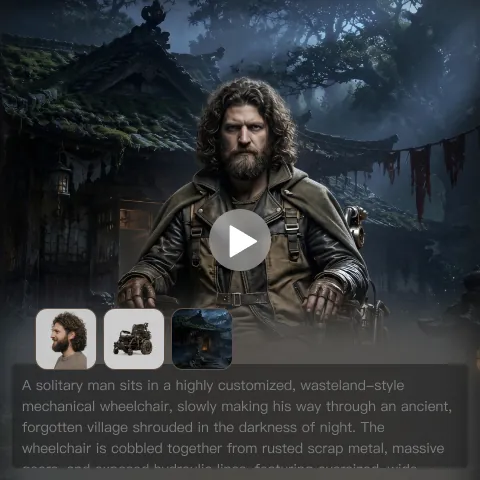
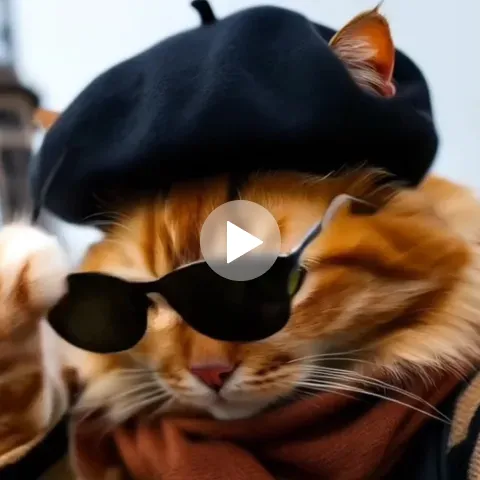
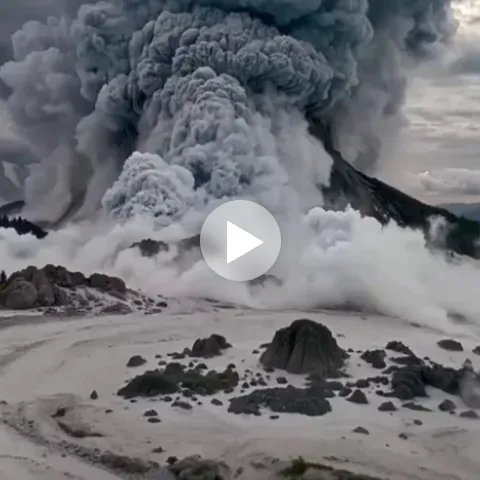
Browse model families for text-to-image generation, reference-guided editing, and video creation on Open Creati.